Tyler Weir
Co-Founder
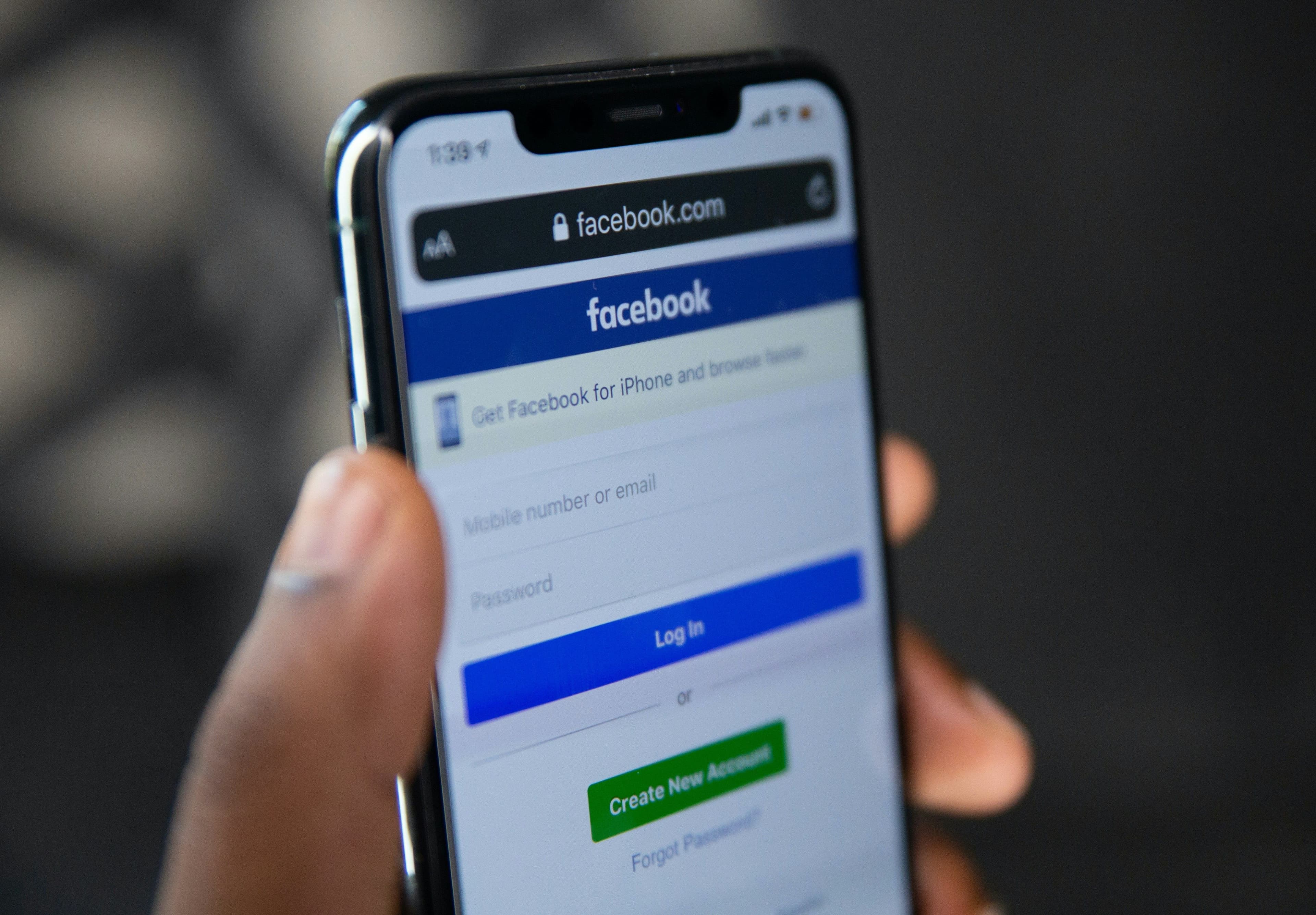
Facebook's reputation among rental hosts is "where you run ads," and that's exactly why the organic side is underused. This guide covers the free, organic plays that actually work for a rental — the business page, and specifically the two things almost nobody writes about: local Facebook Groups and Facebook's older, higher-spending demographic. If you're looking for the paid-advertising playbook — Ads Manager, retargeting, lookalike audiences — that's covered on its own so it doesn't get lost here.
Key Takeaways
- Local and destination Facebook Groups are where a large share of real trip-planning conversations already happen, and almost no rental host participates correctly.
- Facebook still over-indexes on the 45+ family traveler, a guest who tends to book longer stays — don't write this platform off because it skews older.
- A Facebook Group of your own past guests costs nothing to run and is one of the few channels built for repeat bookings specifically.
Setting Up a Facebook Business Page
Create a Business Page separate from your personal profile — this unlocks messaging tools, Insights, and the ability to run ads later if you choose to. Fill out every field: address, contact info, booking link, and a category like "Vacation Home Rental" so Facebook surfaces you to the right audience.
Your cover photo is the largest visual on the page — use your best single image, whatever that is for your property: a view, a pool, an exterior shot that reads well at wide dimensions. Keep your profile picture (logo or a distinctive property shot) consistent with your other platforms so guests recognize the brand when they cross-check you.
Write the About section the way you'd answer "what makes this place worth booking" in two sentences — amenities, sleeping capacity, and what's nearby. Organize photos into albums by room, amenity, and local area so a visitor can browse by what they care about rather than scrolling one long feed.
Organic Content That Keeps the Page Alive
Three to five posts a week is enough to stay visible without becoming noise. Mix property content with destination content — a local event, a nearby trail, a seasonal reason to visit — the same 60/40 destination-to-property split that works on every platform, because it signals you actually know the area rather than just owning a listing there.
Every post should end somewhere: "Book Now," "Check Availability," or a link to a specific offer. Facebook rewards posts that keep people on-platform, so a photo or short update with a comment-based call to action ("Comment your travel dates and we'll check availability") often outperforms a link post for reach, even though the link post is what you actually want eventually.
Respond to comments and messages quickly. On Facebook specifically, response time is a visible, public signal — a thread full of a host's fast replies reads as active management to anyone browsing the page, not just the person who asked.
Messaging and Response Time
Turn on Messenger for your Page and treat it like a phone line, not an inbox you check once a day. Set up an instant reply for after-hours messages ("Thanks for reaching out — we typically respond within a few hours") so nobody assumes you've gone dark, and use saved replies for the questions you get constantly: pricing, availability windows, pet policy. A guest who messages three properties and hears back from only one usually books the one that answered.
Resharing What Guests Post
When a guest tags your page or posts about their stay, ask permission and reshare it. Guest-generated content reads as more credible than anything you post yourself, because it comes from someone with nothing to gain by saying it. Keep a running folder of tagged photos so you always have something ready to share on a slow content week, and thank the guest publicly when you reshare — it costs nothing and it's the kind of small gesture that turns a one-time guest into a repeat one.
The Unwritten Play: Facebook Groups
This is where most of Facebook's real value for a rental actually lives, and it's almost never covered.
Destination and local groups
Search for groups built around your destination — "Visit [Town]," "[Region] Travel Tips," town-specific community groups. These are full of exactly the question you want to answer: "Anyone know a good place to stay in [town] for a family of six?" gets asked in these groups constantly, and it's a warmer lead than almost anything you'll get from a cold ad.
The rule that keeps you from getting banned: participate as a local first, promote second. Answer questions about restaurants, trail conditions, and parking before you ever mention your property, and when you do mention it, do it because it genuinely fits what was asked — not as a drive-by pitch. Read each group's rules before posting; most allow property recommendations in response to a direct question but ban unsolicited listing posts, and getting that backwards gets you removed.
A group of your own
A private Facebook Group for past guests costs nothing and gives you a channel purpose-built for repeat bookings — share off-season rates, ask what they'd want to see added to the property, post first access to newly available dates before you announce them anywhere else. This is a small, high-intent audience: people who've already stayed and liked it enough to join, which makes them dramatically cheaper to convert than a cold lead.
Don't Write Off the Older, Family Audience
Facebook's user base skews older than Instagram or TikTok's, and for vacation rentals that's an advantage, not a liability. The 45-and-up family traveler is more active on Facebook than on newer platforms, tends to plan trips further in advance, and books longer stays — a week with extended family reads differently than a long weekend. If your property suits multi-generational trips, larger groups, or longer stays, Facebook's audience skew works in your favor rather than against it. Write content and captions accordingly: lead with space, amenities for a range of ages, and practical trip-planning detail rather than the more visual, younger-skewing style that works better on Instagram.
If You Manage More Than One Property
The same one-account, not one-per-property, logic applies here as on Instagram: run a single portfolio page, and use it to route interest to individual properties through pinned posts, a link-in-bio-style tool, or your booking engine's property picker. Reserve a second page only for a property with a genuinely distinct brand and audience, the same exception as elsewhere.
Paid Reach, Briefly
Everything above is free. If you want to put budget behind it — Ads Manager, custom and lookalike audiences, retargeting site visitors who didn't book — that's a different skill set with its own setup and its own risks, and it deserves its own guide rather than a rushed section at the bottom of this one. Start with the organic plays above; they cost time, not money, and they're what most competing rentals still aren't doing.
The Tool Stack
Nothing here requires software beyond Facebook itself and a scheduler to keep your posting consistent without needing to be live at the right moment. Unpack schedules across Facebook and your other platforms from one place, built for vacation rentals specifically.
Facebook is one piece of a broader platform mix — see the full Social Media Marketing for Vacation Rentals guide for how it fits alongside Instagram Marketing for Vacation Rentals and the rest of your channels.
Enjoyed this article?
Share it with your network
![Social Media Marketing for Vacation Rentals [2027]](/_next/image?url=https%3A%2F%2Fcdn.sanity.io%2Fimages%2F0ca9r3j2%2Fproduction%2Fa8d4db0da0bf16ebc6f6fb991e5428a13249832c-2096x1397.jpg&w=3840&q=75)

Get insights delivered weekly
Join travel marketers who get our best strategies, product updates, and industry insights every week.
No spam, unsubscribe anytime.